
Less scrolling.
More living.
Put it by your bed or on your desk. Walk in, and your distracting apps rest on their own.
For iPhone · Pay once, no subscription
Time limits get snoozed. Willpower runs out by midnight. Dawdle works by room instead: walk in, and the apps you pick take a rest. Walk away, and they're back.
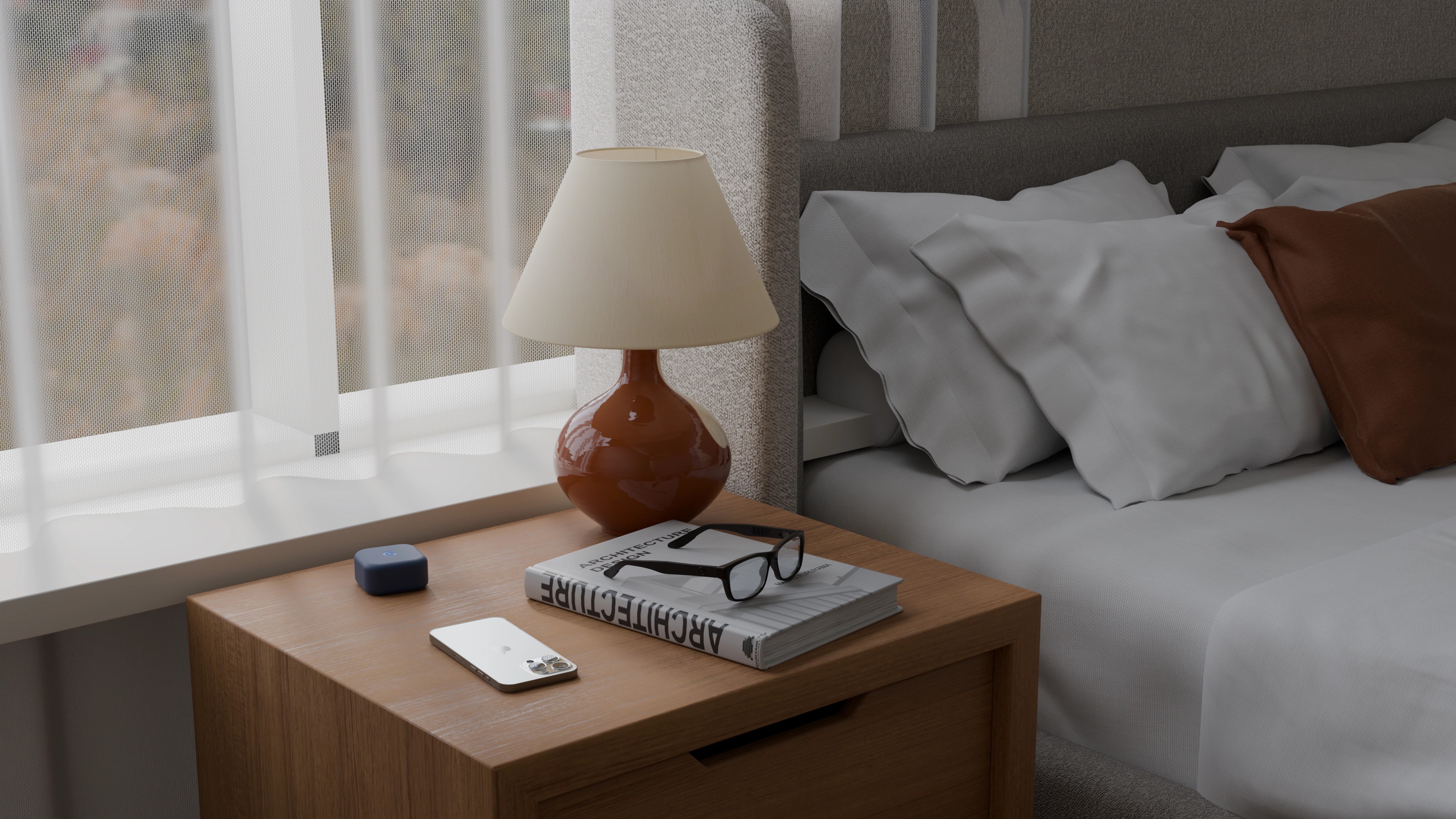
Mornings start with you.
Not with a feed.
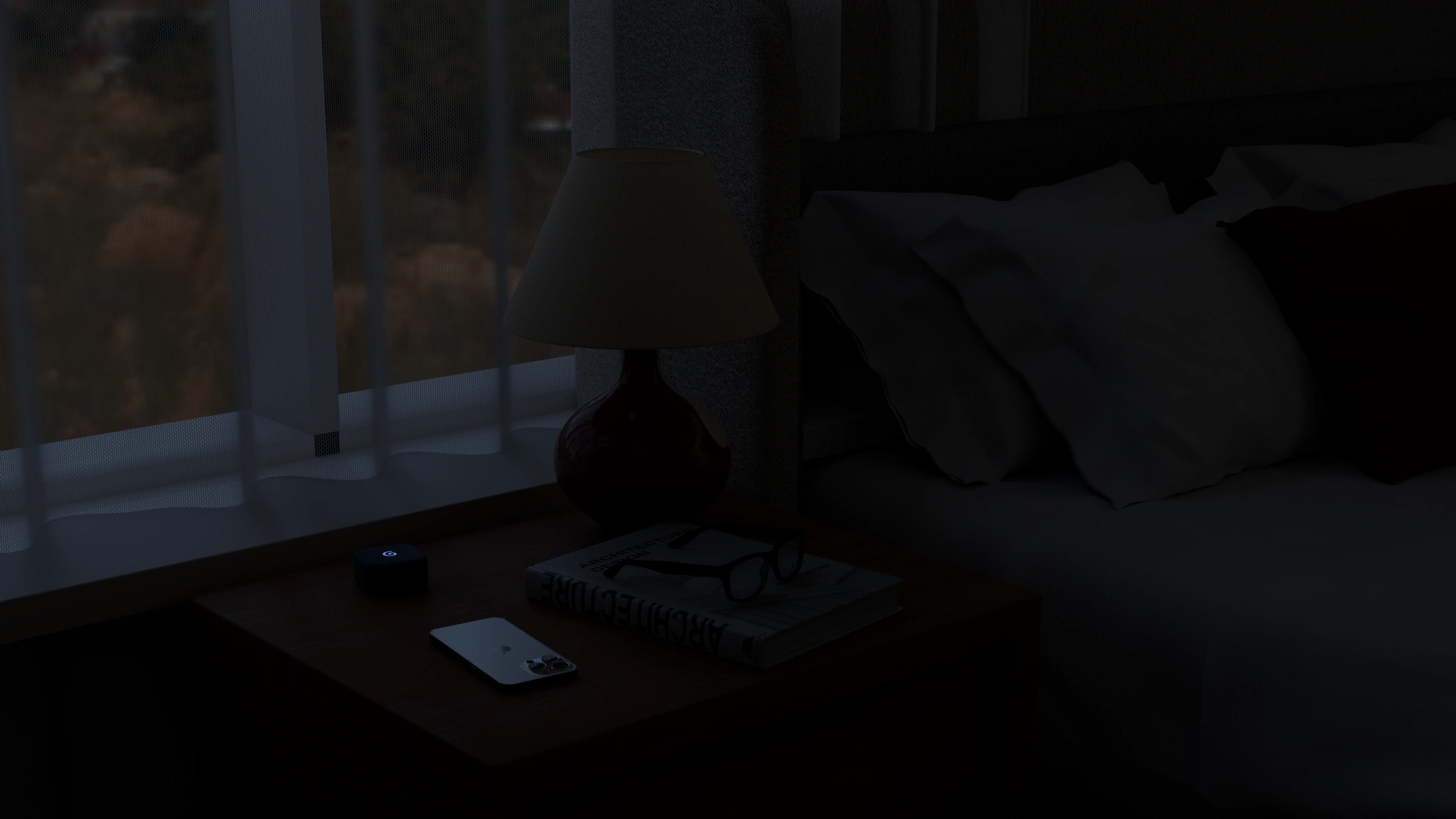
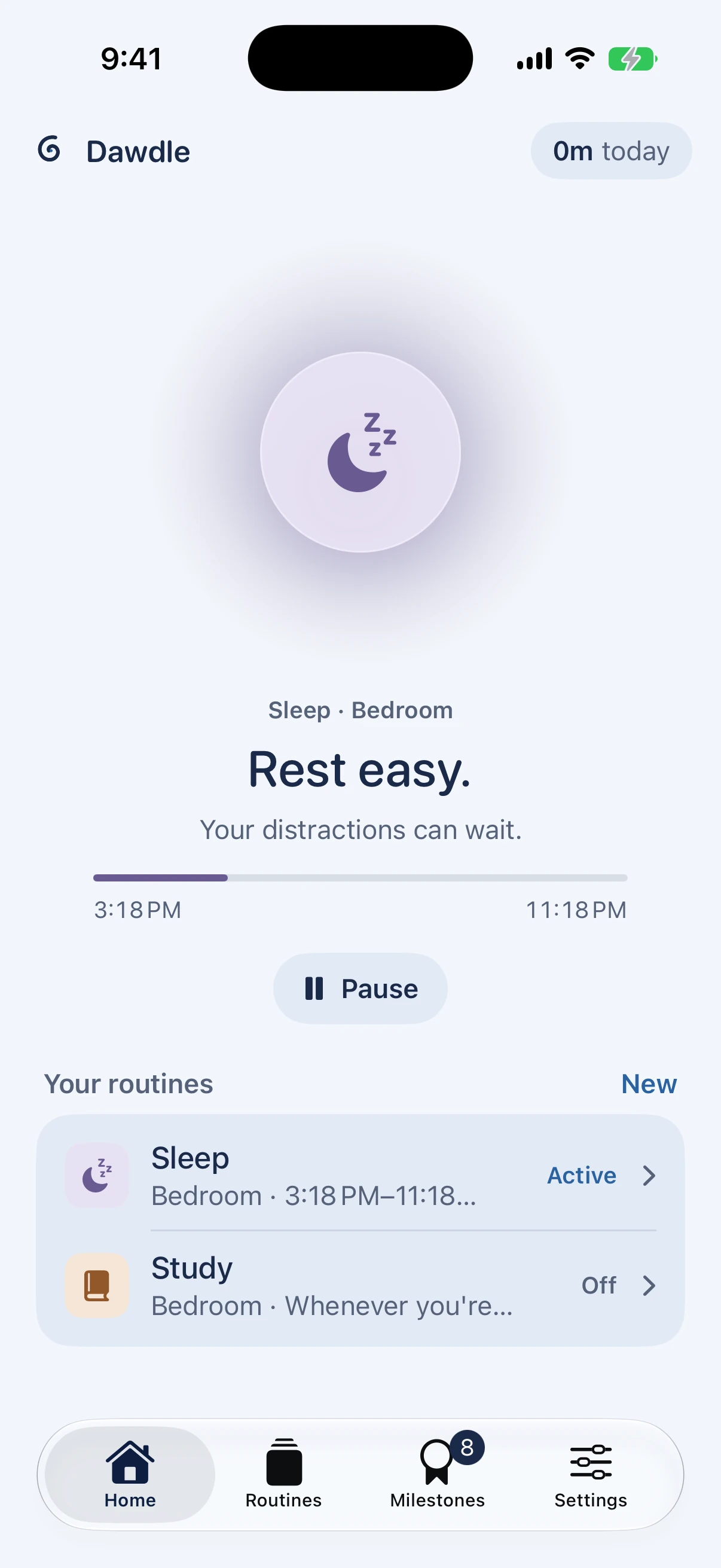
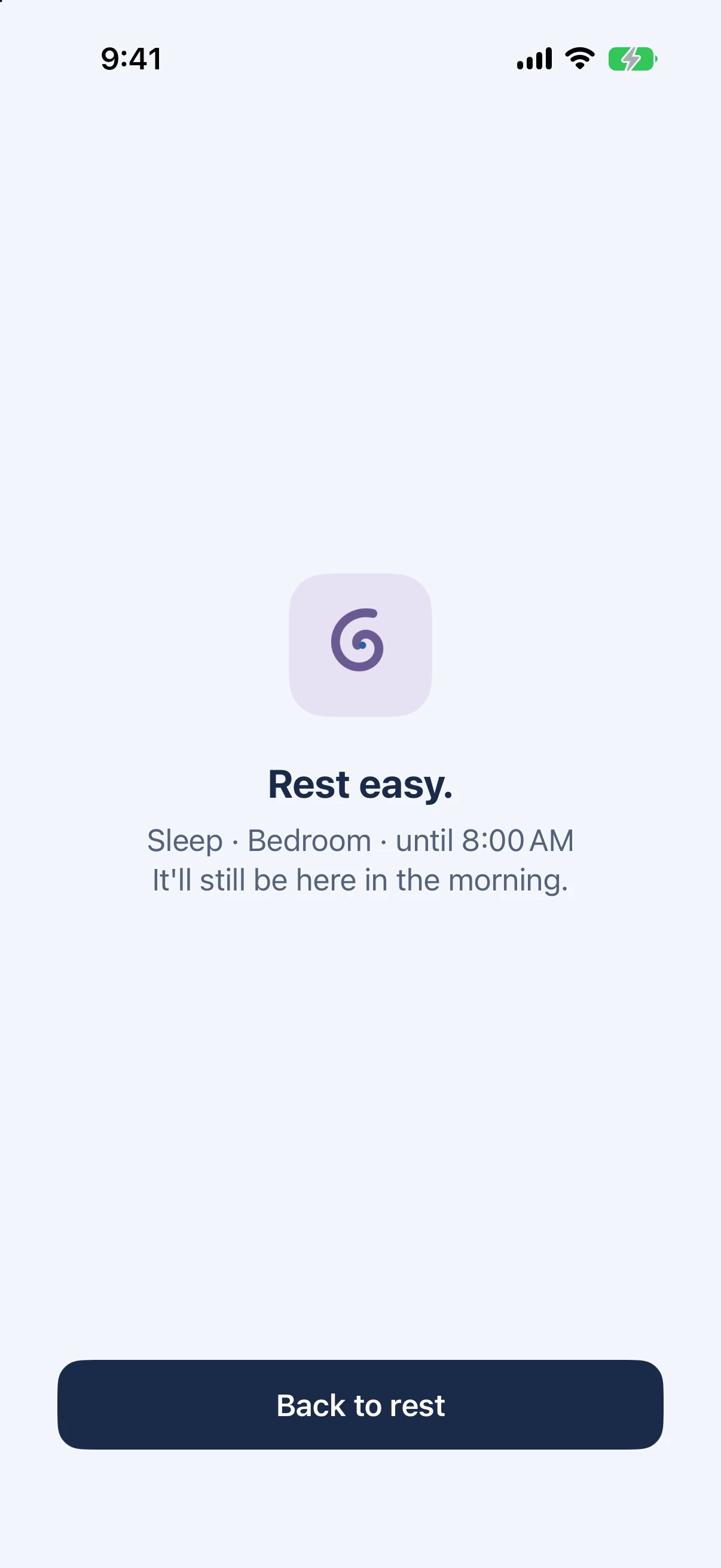
Lights out means lights out.
The apps that keep you up can wait until morning.
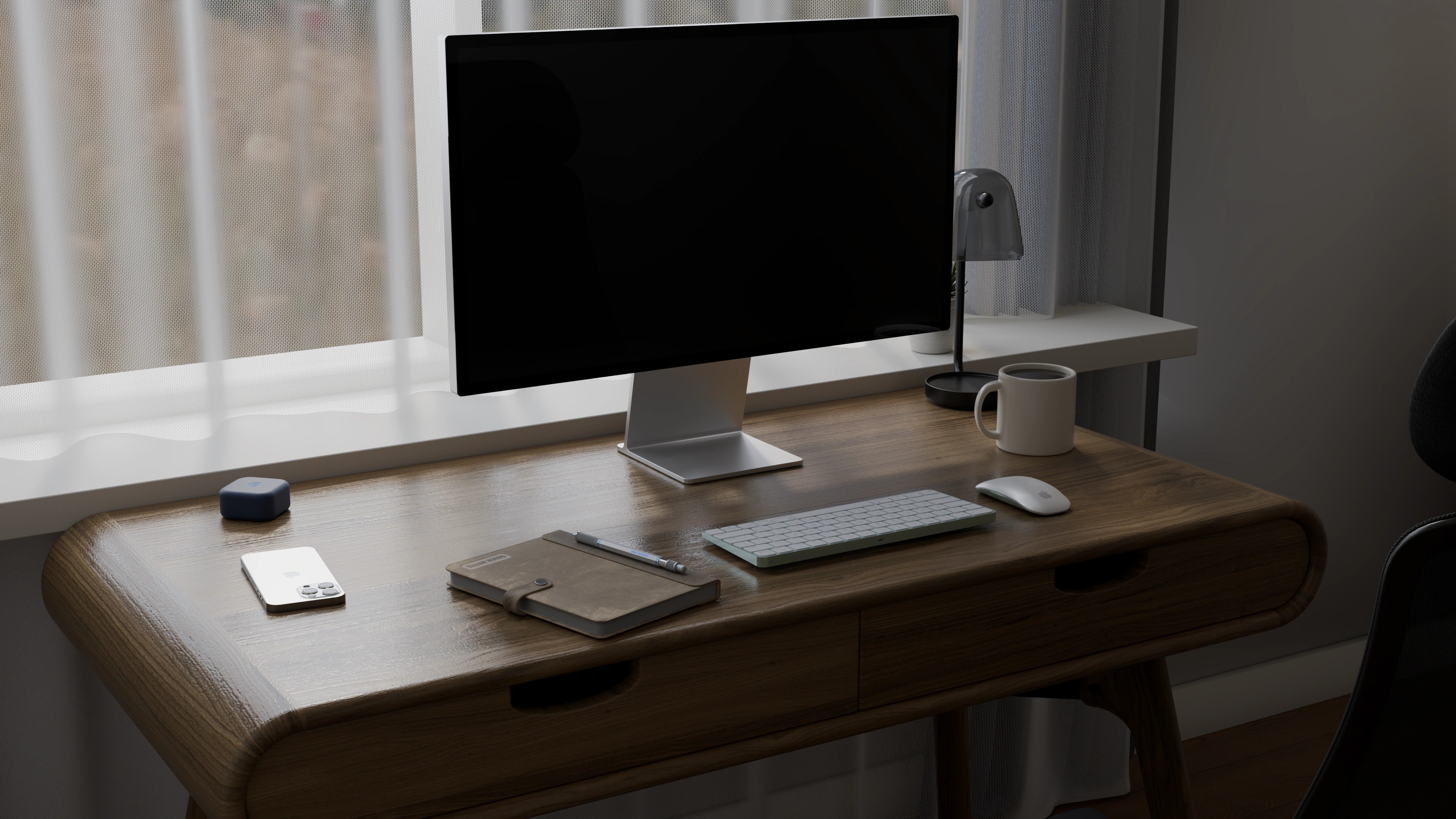
Focus, without the tug.
You choose what rests. Keep calls and messages if you like.
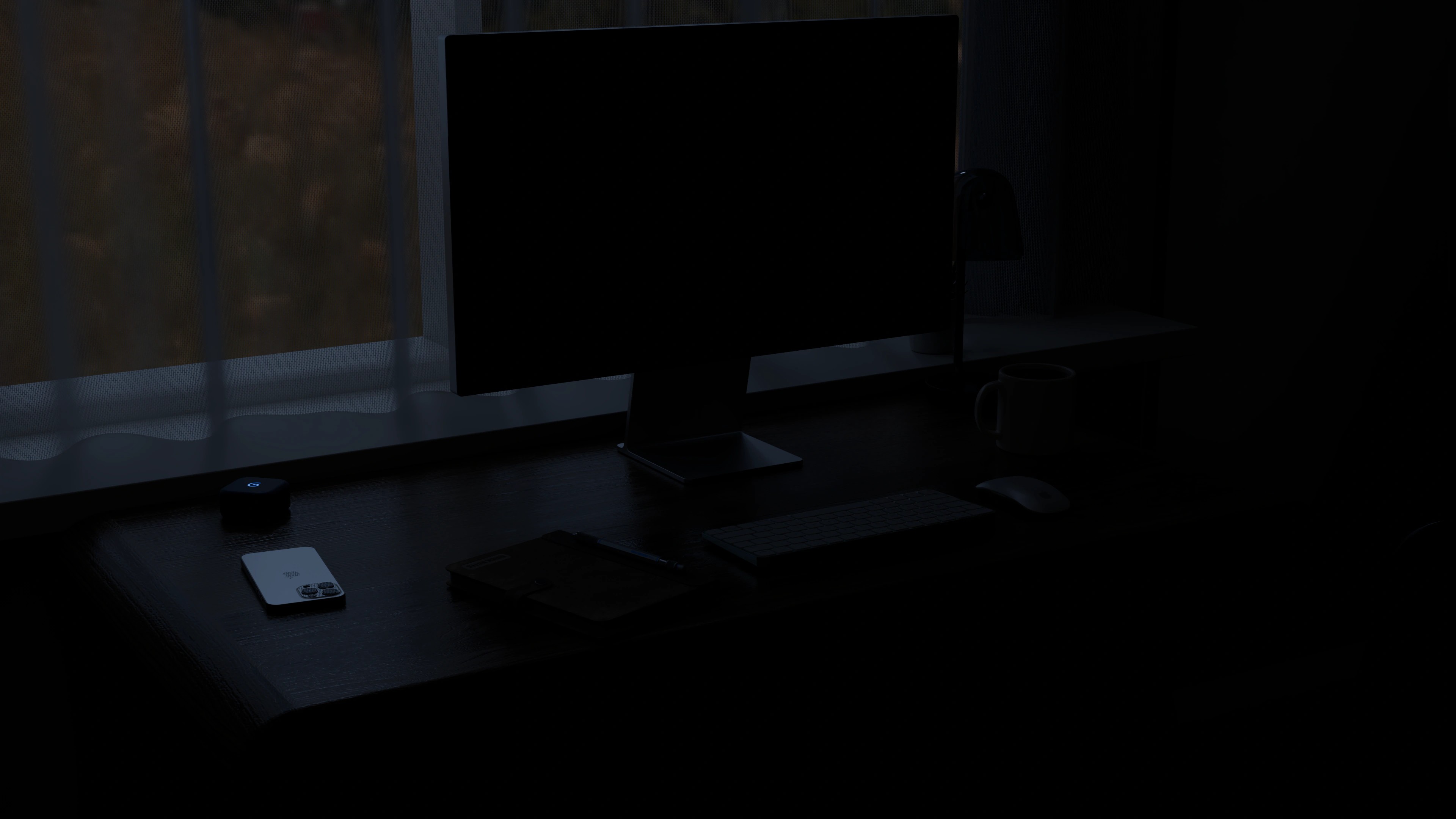
No timer to start.
Sit down, and the distractions rest. Stand up, and they're back.
Set it up once. Then forget about it.
- 1
Plug it in where you want calm.
By your bed or on your desk, with any USB-C phone charger. It stays plugged in, and setup in the app takes a couple of minutes.
- 2
Pick what rests, and when.
The apps that pull you in. Keep the ones you need, like Camera and Clock. Let it work whenever you're there, or only during the hours you set.
- 3
Walk in. Walk away.
Close to Dawdle, your apps rest. Leave, and they're back within a minute or so.
Reach for a resting app and Dawdle says it kindly: not now. Need it anyway? Take a breather from the app. No account, and your routines never leave your iPhone.
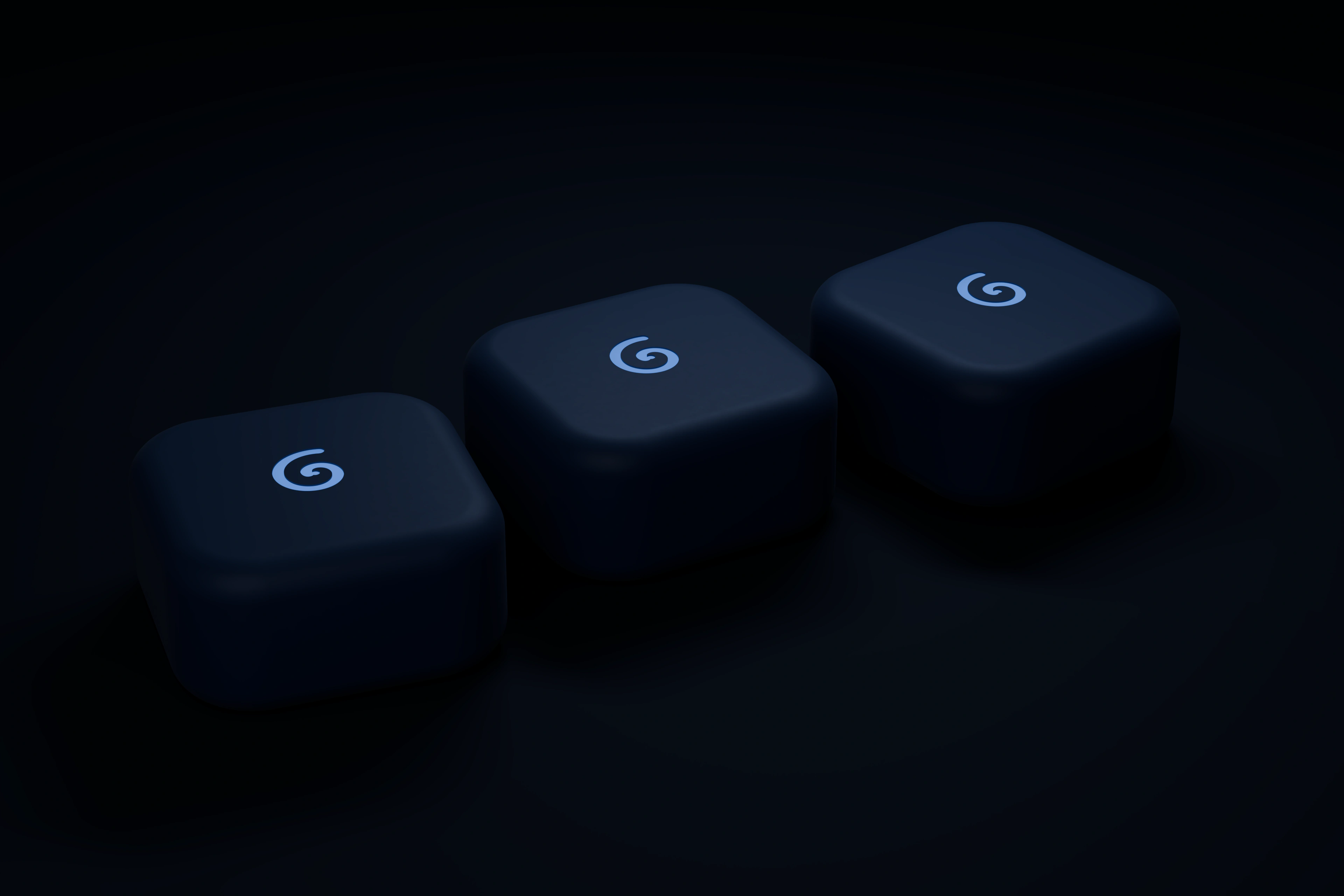
One for every room.
1 for €39 · 2 for €69 · 3 for €99
Free to reserve. You pay once it's ready to ship, and there's no subscription after.
Pre-orderQuestions.
What do I need?
An iPhone with iOS 17 or later, the free Dawdle app, and somewhere to plug the beacon in. Any USB-C phone charger will do. The cable is in the box, the charger isn't. Dawdle doesn't work with Android.
Is there a subscription?
No. You buy the beacon once, and the app is free. There's no account to make.
When do I pay, and when will it ship?
Reserving is free. When your Dawdle is ready, we'll email you the shipping date and cost, and you only pay if you confirm. You can cancel before that at any time.
What if it's not for me?
Until you pay, you can cancel at any time. After delivery, you have 14 days to change your mind, no reason needed.
Will my bedroom beacon rest my apps during the day?
Only if you want it to. A Sleep routine runs during the hours you set, 10:30 PM to 8 AM to start with, so popping into the bedroom at noon changes nothing. Routines without hours work whenever you're there.
Do I have to charge it?
No. The beacon stays plugged into a USB-C phone charger, like a night light, so there's nothing to recharge.
What if I really need an app?
Take a breather in one tap, or turn a routine off. You're always in charge of your own phone, and if Dawdle ever can't run, a safety timer gives everything back.
Can we share one?
Yes. Up to three iPhones can use the same beacon, and each person picks their own apps.
How close do I have to be?
When you set up a place, you walk to its edge and Dawdle remembers it. Bluetooth isn't a tape measure, so the edges are soft: think "in the bedroom", not "within 6 feet".
Can Dawdle see what I do on my phone?
No. Apple's Screen Time keeps your app choices private, even from Dawdle. There's no account and no server, and your routines stay on your iPhone.